
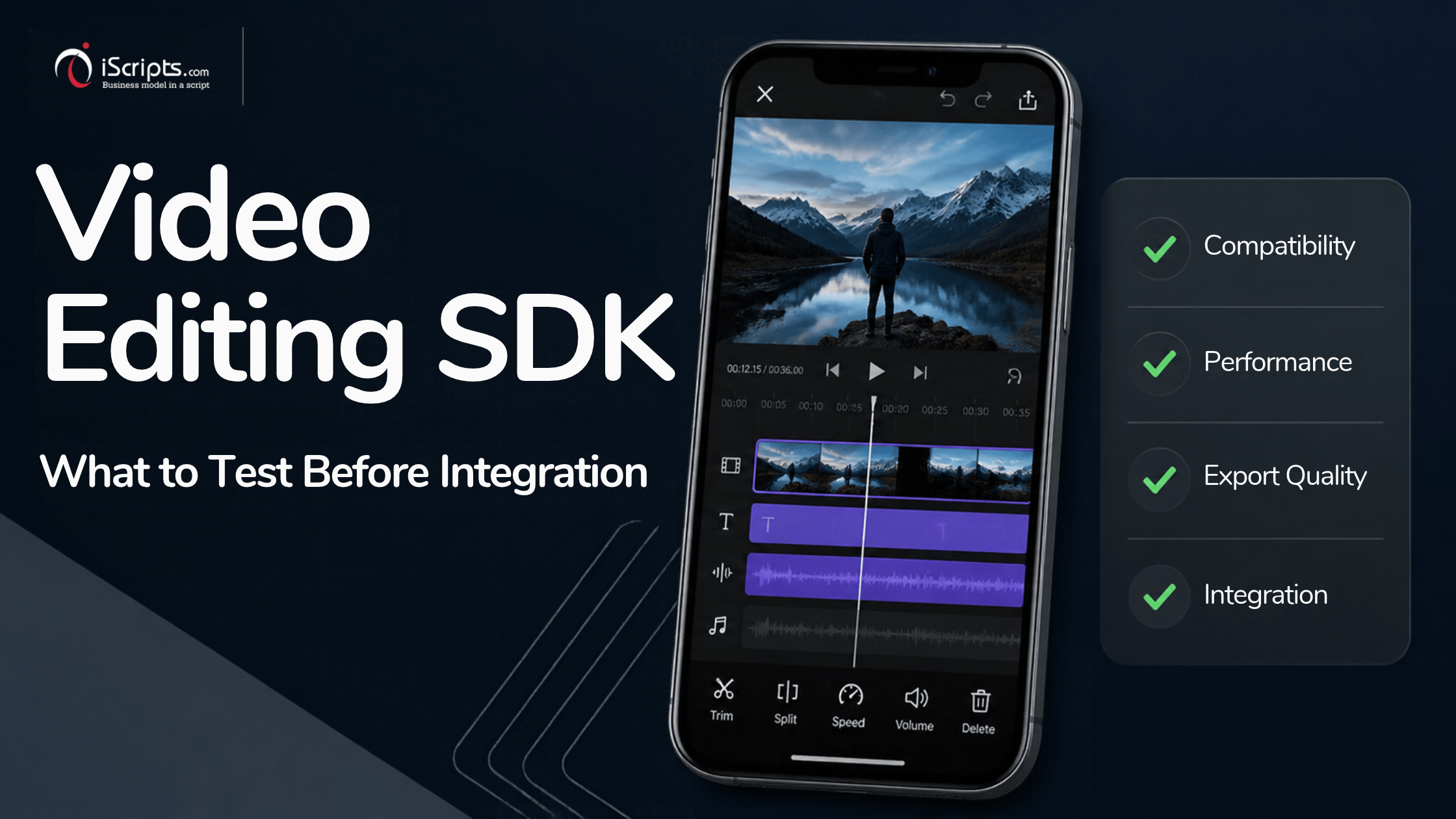
The demo trims a clip, adds a filter, and exports perfectly.
Then you try a longer recording on an older phone. The preview stutters, the app runs low on memory, and the export fails.
A video editing SDK can save development work, but a successful demo doesn’t establish whether it fits your application.
iScripts EditPrime offers mobile editing capabilities for Android and iOS. Whether you evaluate it or another SDK, test the complete journey—from importing a user’s video to playing the exported file.
Here’s what your development team should check before committing.
What should you evaluate in a video editing SDK?
Evaluate platform compatibility, media support, editing accuracy, performance, export reliability, customization, data handling, and licensing.
Start with a small integration inside your app. A standalone sample cannot reveal every dependency conflict, navigation issue, or backend limitation.
Define your acceptance criteria before testing. Choose them around your users’ devices, typical videos, and required editing features.
1. Can it run inside your existing application?
Confirm the supported operating systems, development languages, frameworks, and build tools.
For an Android video editing SDK, verify minimum Android versions and required dependencies. For an iOS video editing SDK, check deployment targets and compatibility with your build environment.
If your app uses Flutter or React Native, ask whether the vendor provides a maintained wrapper or whether your team must build a native bridge.
Then test a release build. Check that the editor opens, returns control to your app correctly, and handles denied media permissions.
The integration risks of adding a video editing SDK extend beyond the editing screen, so include your existing navigation, analytics, and upload flow.
2. Does it support the videos your users actually create?
“Supports MP4” is not a complete compatibility answer. A container can hold different video and audio codecs.
Build a test set using actual device recordings:
- Portrait and landscape clips.
- Short clips and your maximum supported duration.
- Different resolutions and frame rates.
- H.264 and HEVC files where relevant.
- HDR footage if your users capture it.
- Videos with rotation metadata, no audio, or unusual audio tracks.
Test unsupported and damaged files, too. The app should explain the problem and let users recover.
Android’s supported media formats distinguish encoding, decoding, and container support. Verify the full import-to-export path on your target devices rather than assuming playback support guarantees editing support.
3. Do edits survive the final export?
A smooth preview is only half the test. Create a repeatable project: trim a clip, crop it, add text, apply an effect, and adjust the audio. Export it and compare the result with the timeline.
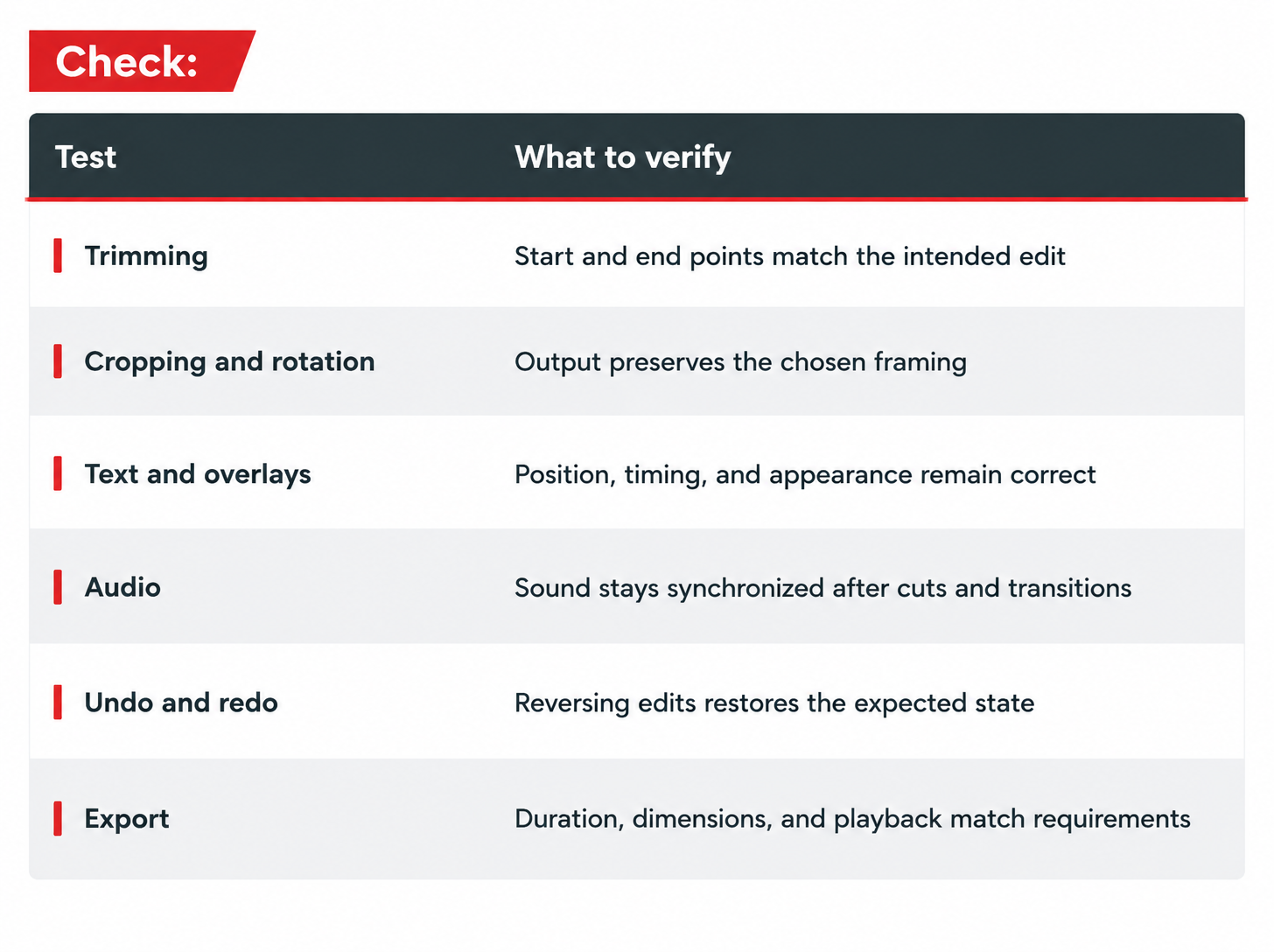
Play the exported file outside the editor and through your own app. If users publish elsewhere, test that destination as well.
4. How does performance change on ordinary devices?
Test your mobile video editing SDK on the devices your audience uses, including lower-memory models.
Record editor startup time, timeline responsiveness, peak memory, export duration, temporary storage use, and release-build size.
Repeat exports to expose problems that a single run might miss. Include longer clips and combinations of effects.
Set separate acceptance criteria for each device tier. Avoid choosing an arbitrary export-time target without defining the input, effects, output settings, and hardware.
These video editing app development challenges become easier to assess when every SDK runs the same workload.
5. What happens when editing or export is interrupted?
Users switch apps, lock their phones, receive calls, and run out of storage.
Test backgrounding, cancellation, low storage, lost connectivity, and app termination. Determine whether work resumes, remains recoverable, or needs to restart.
Check that cancellation releases resources and removes unnecessary temporary files.
Background export and draft recovery are capabilities to verify—not features to assume. If an SDK cannot support a required scenario, decide how your app will explain or handle the limitation.
6. Can you control the experience and data flow?
Check whether you can change the editor’s appearance, remove unnecessary tools, localize labels, and provide accessible controls.
For EditPrime, review the documented video editing features, including trimming, cropping, filters, transitions, and undo/redo. Confirm the exact customization scope for your package, including watermark behavior.
Also establish where processing happens. Ask which features upload media, what telemetry leaves the device, how temporary files are handled, and whether network access is required.
Use documentation and observed network behavior together. A local preview does not prove every feature processes media locally.
7. What will integration and maintenance cost?
Before finalizing video editing SDK integration, confirm:
- Production licensing and supported platforms.
- Charges for usage, cloud processing, or additional features.
- Rights to bundled music, fonts, stickers, and other assets.
- Update policies, support coverage, and breaking-change guidance.
- Access to documentation, changelogs, and diagnostic tools.
Request written clarification where terms or capabilities remain unclear.
Make the decision with test evidence
Record each requirement, test case, device, result, and unresolved issue. Treat an untested capability as unverified.
An attractive feature list should not outweigh a failure in a workflow your users depend on.
Request the EditPrime demo, then ask about an evaluation build you can test with your own media and application. Run the hardest realistic scenario first.
The right SDK should earn your team’s approval through the footage, devices, and conditions your app will actually face.

