
- Real-time Filters
- Slow motion capture
- Trim/Cut
- Crop function
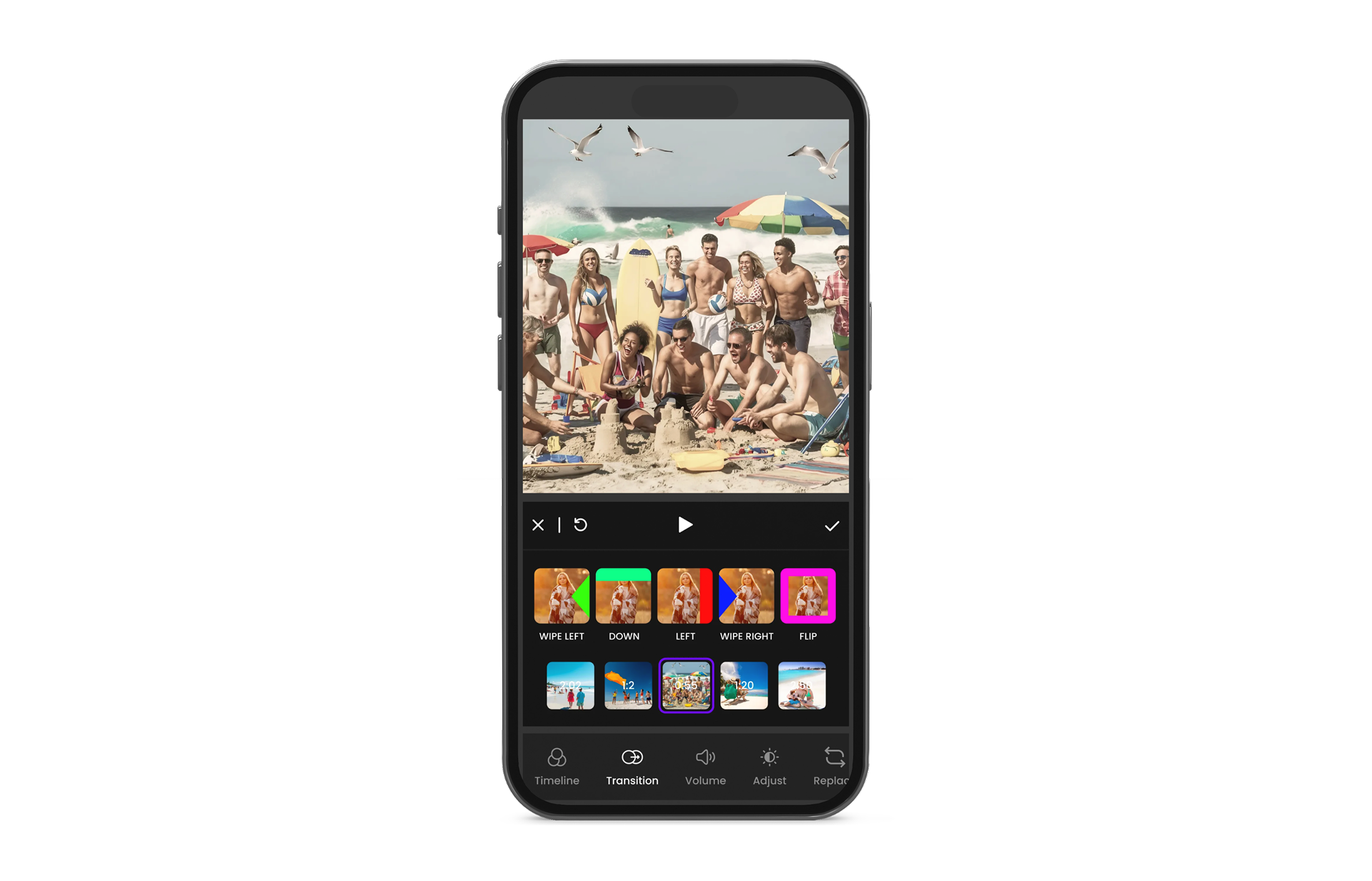
- Transitions
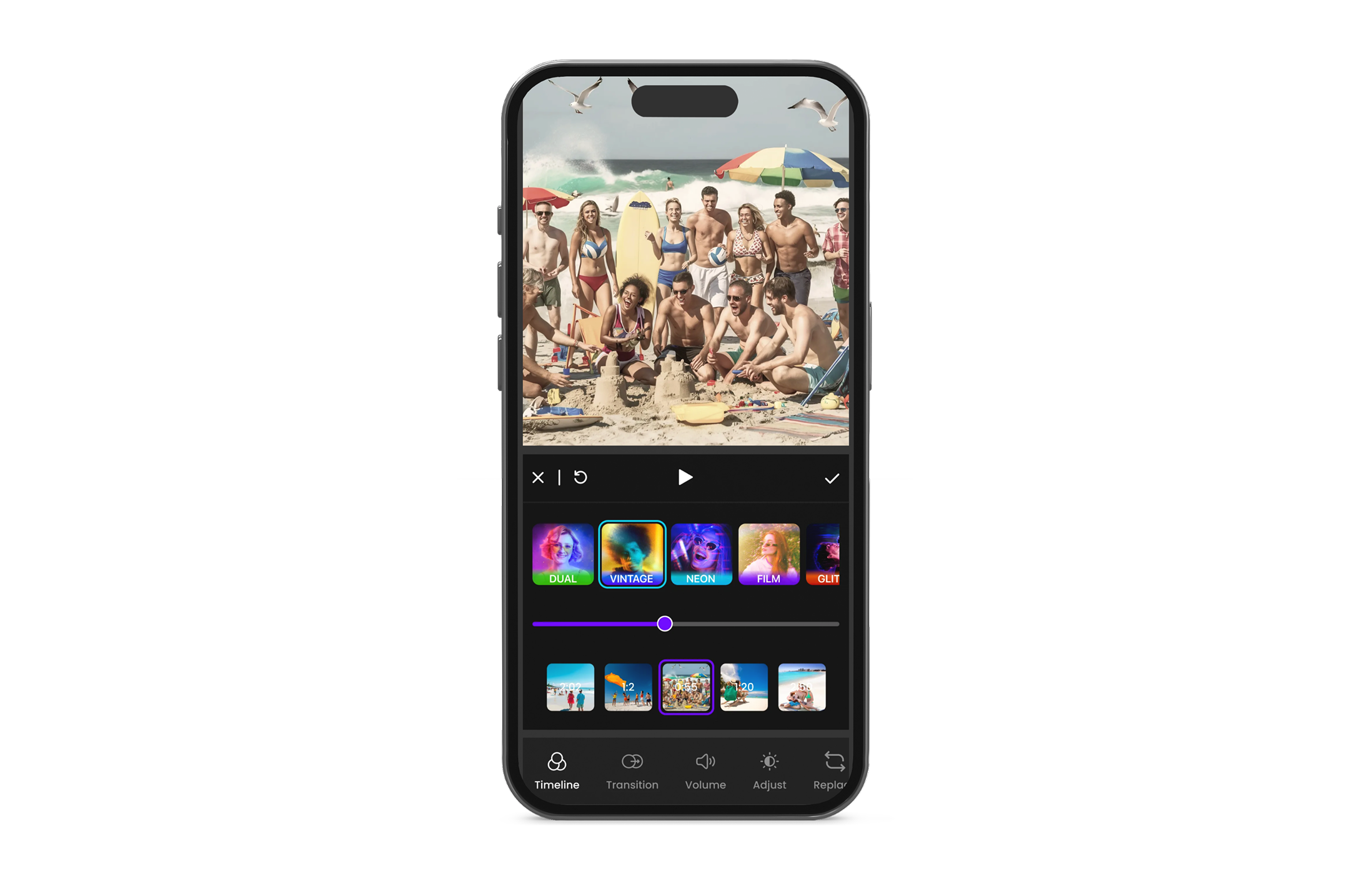
- Custom filters
- Face/body tracking for overlays
- Background removal
- Watermark
- Undo Redo
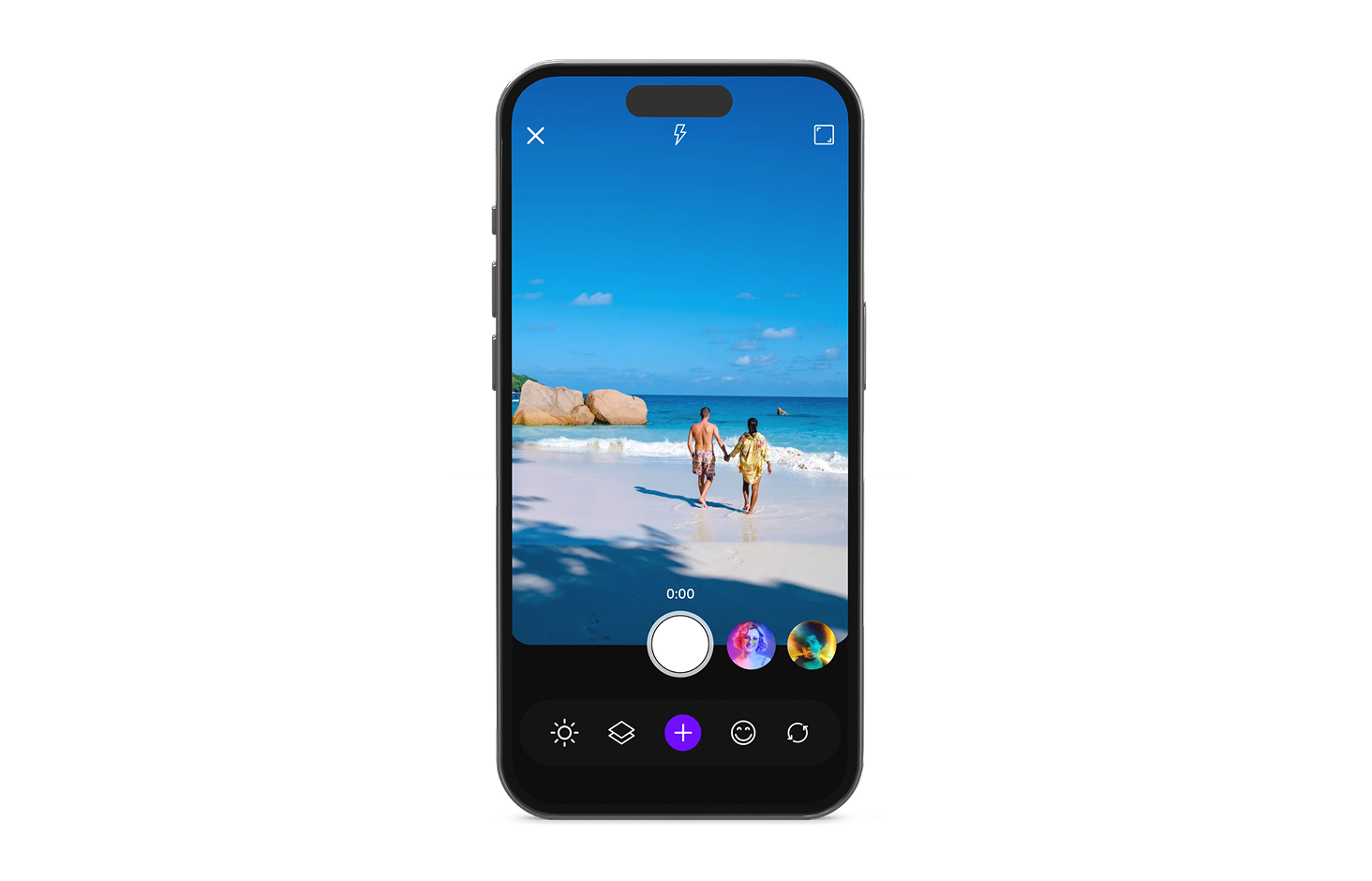
Record videos with filters applied live. Supports advanced effects such as vignette, blur, pixelation, and artistic styles during capture.
Capture videos at high frame rates (up to 120 FPS) for smooth slow-motion playback.
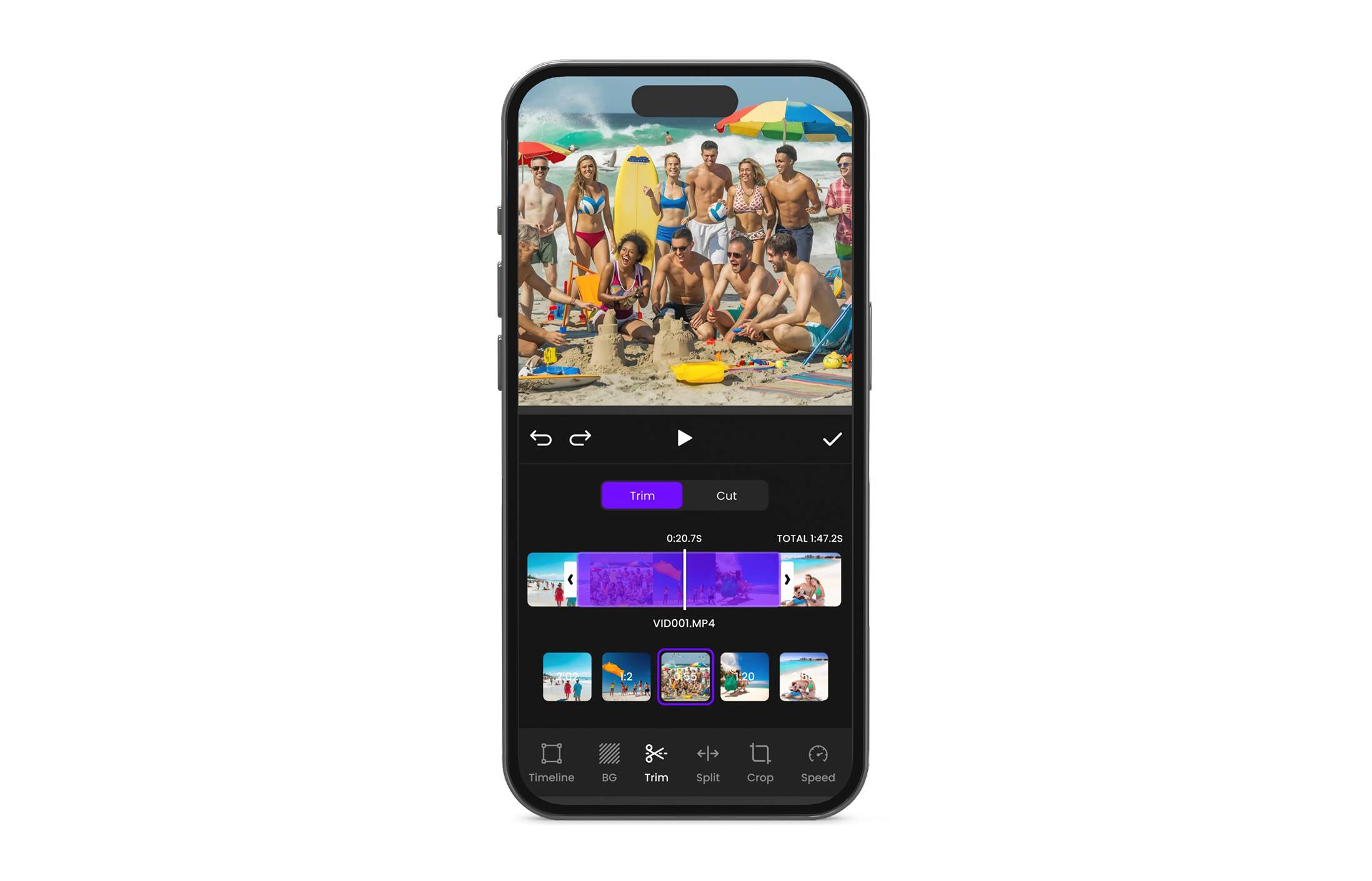
Precisely remove unwanted sections from videos by trimming or cutting selected time ranges.
Crop videos using predefined aspect ratios or freeform selection. Supports rotation and horizontal/vertical flipping.
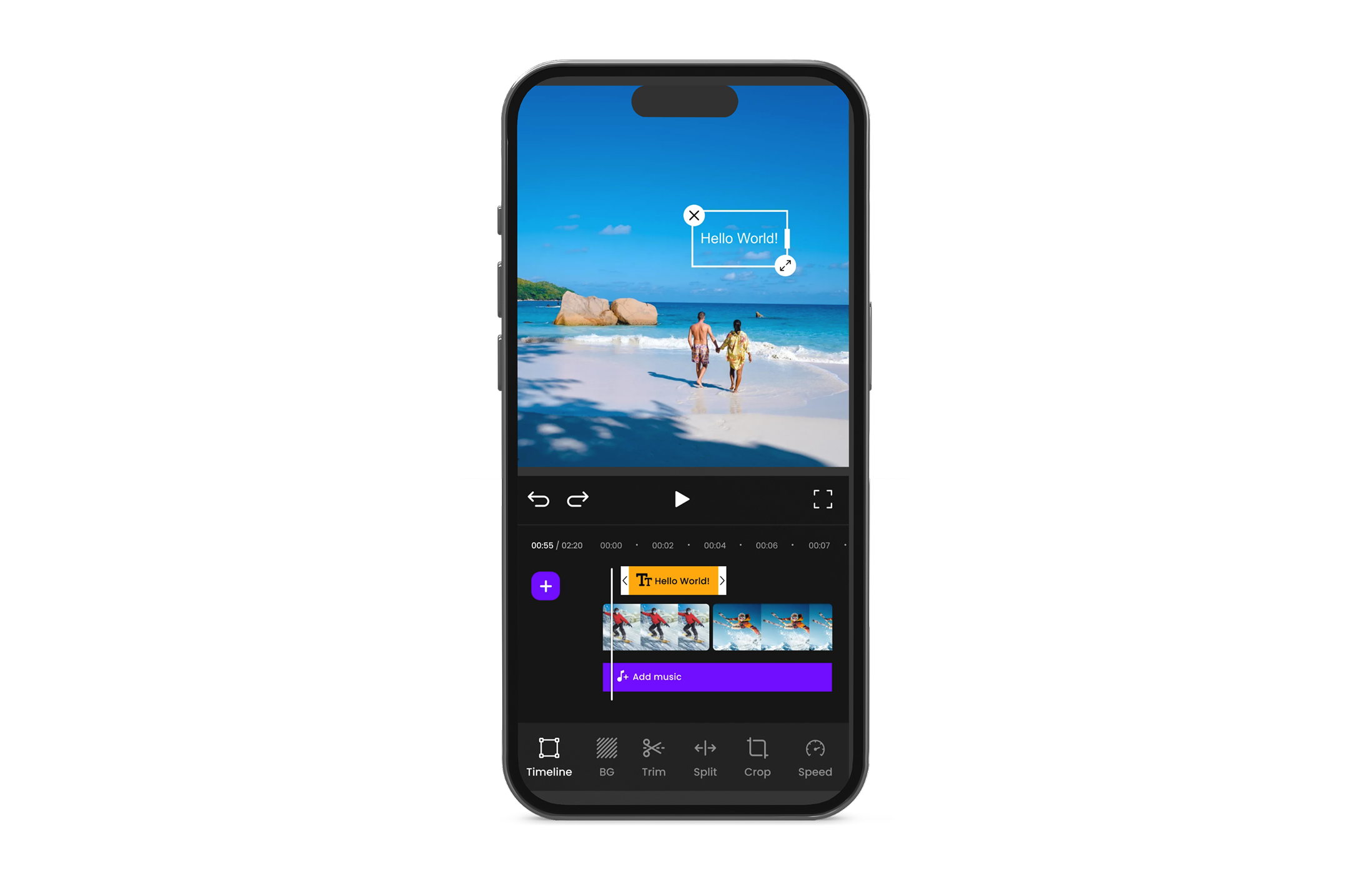
Add seamless transitions between clips, including flip, fade, swipe left/right, and similar effects.
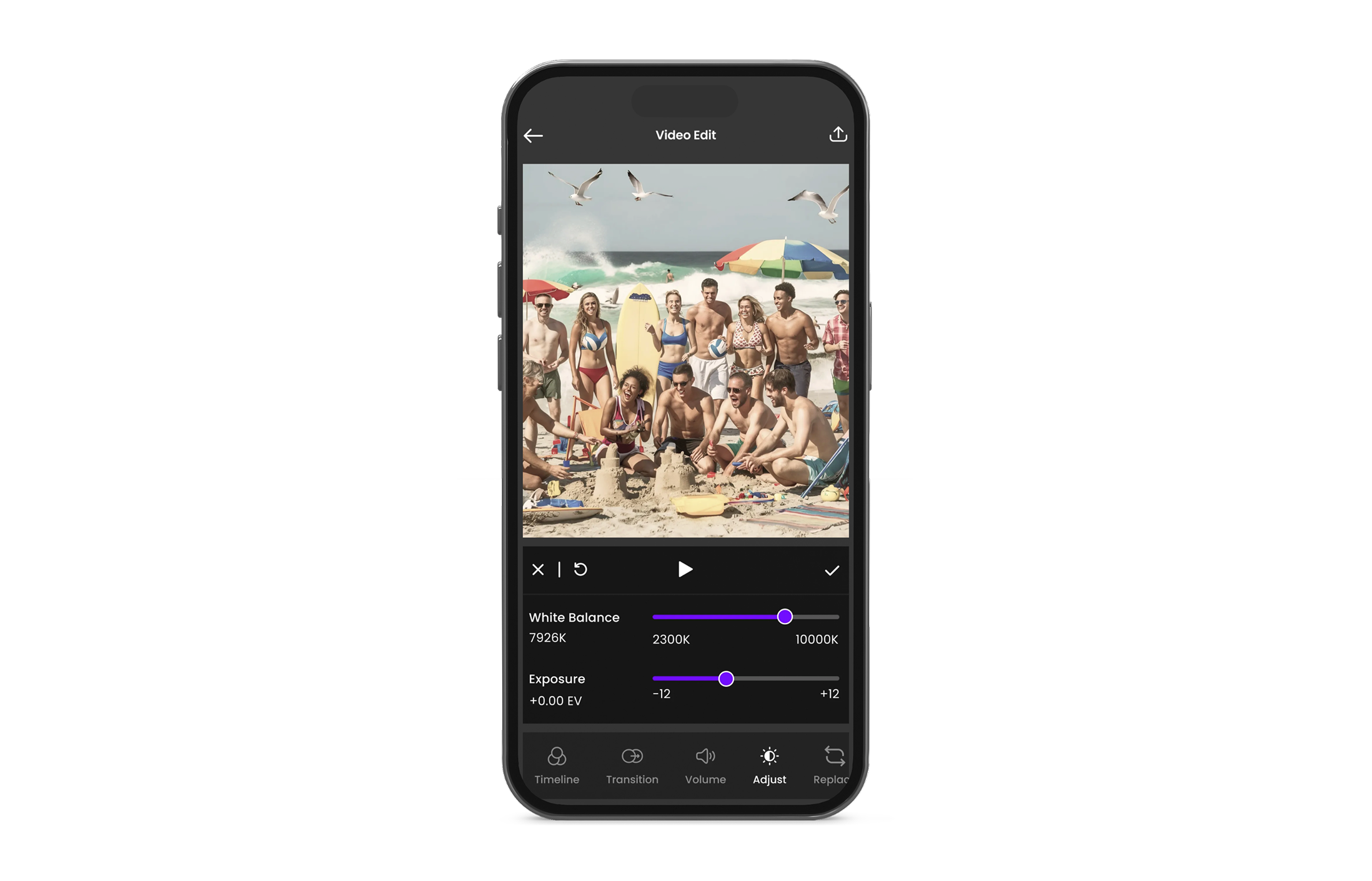
Create personalized video filters by adjusting visual settings such as color, brightness, contrast, and style. Users can also import LUT (Look-Up Table) files to apply professional color grading instantly. All custom filters are previewed live while recording and applied consistently in the final exported video.
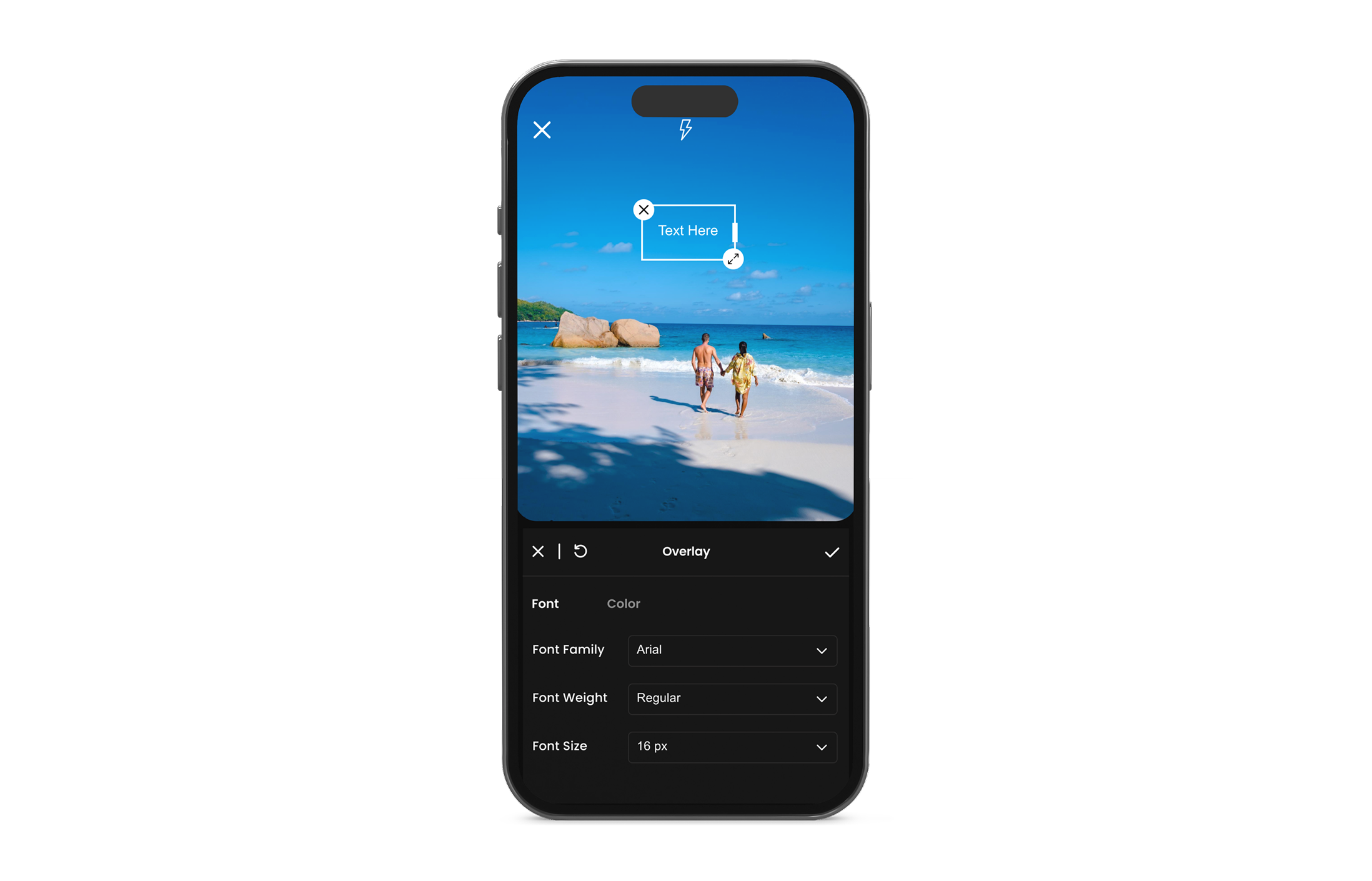
To attach sticker/text to a face and update overlay positions over time.
To blur/replace background or create “subject cutout” overlays.
App watermark is automatically added during recording and remains visible in the final exported video. Watermark position and style are fixed.
Allows users to easily reverse or reapply recent actions such as trims, crops, filter changes, transitions, and transformations. Provides a smooth, non-destructive editing experience, enabling experimentation without the risk of losing progress.
Screen Shots



Click on the FAQ image to access the Frequently Asked Questions