
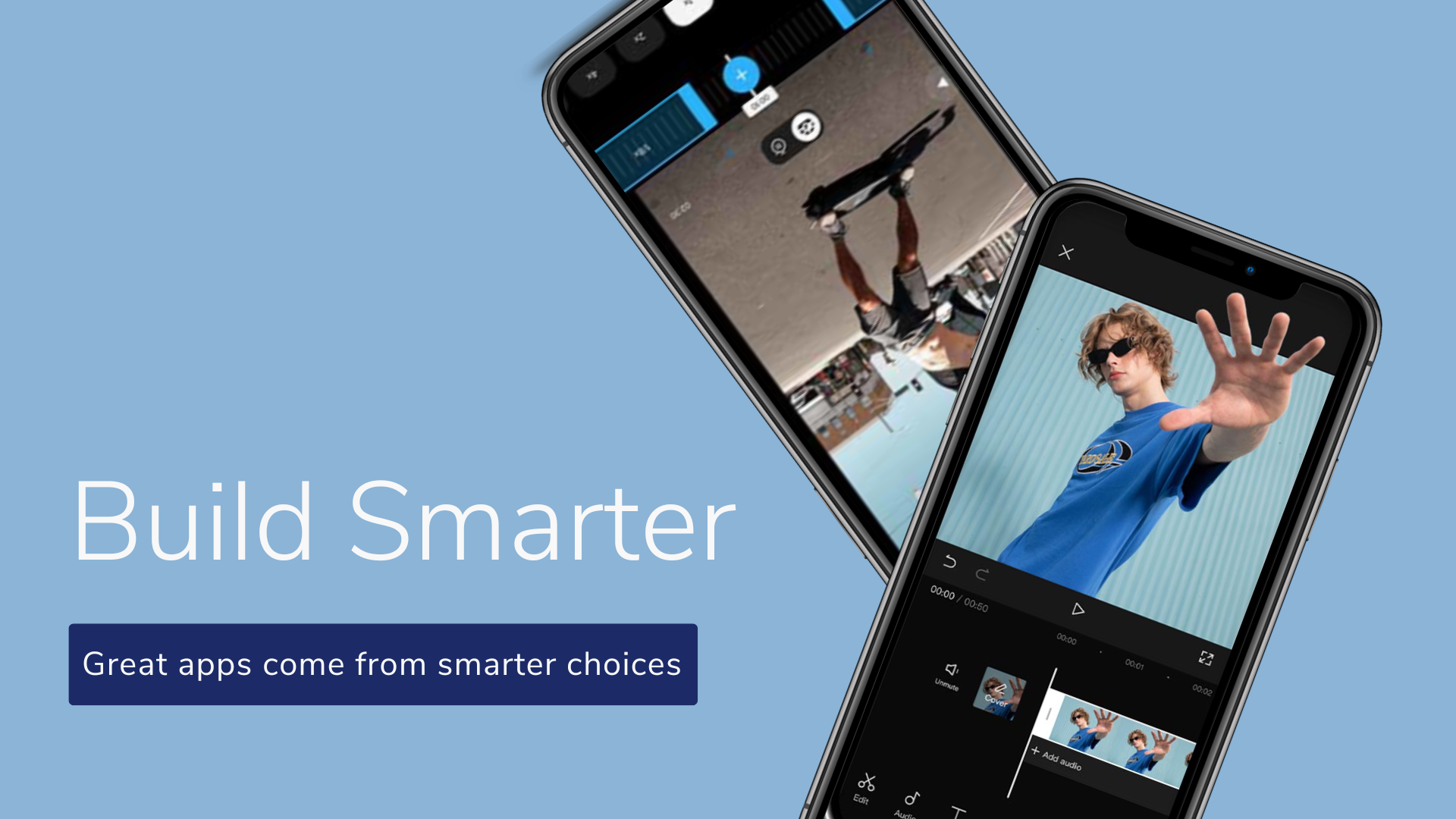
Building a video editing feature inside an app is not just a technical task. It’s something deeper.
It’s about giving your users the power to tell stories, share memories, teach others, make stories and express themselves. And the SDK that you choose becomes the heart of that experience.
But with many options out there, choosing the right Video Editing SDK can be confusing, overwhelming and honestly a little stressful.
Every developer wants to pick the tools that won’t fail them later. This guide keeps everything simple and clear, making it easier for developers to make the right choice with confidence.
1. Start with Why your app needs a video editing SDK
Before features, before pricing, ask yourself
Why do my users need video editing?
What type of content will they create?
Do they need basic tools or advanced editing?
Understanding your purpose will guide you towards the best video editing SDK for your specific app.
This is your foundation and the first step in choosing the right video editing SDK
2. Choose SDK that supports all platforms
Your users won’t always be on the same device. A good video editing SDK should support Android, IOS, Web, Desktop platforms etc.
Users will edit videos across different devices. Choose an SDK that supports all of them. Because when you support your users, your users support your app. So picking a cross platform video editing SDK helps you scale quickly and ensure a smooth, consistent experience everywhere.
3. Look for Fast Performance and Smooth Video Rendering
A laggy, slow editor doesn’t just frustrate users, it breaks their flow.
When someone is creating, they’re in a moment. A bad preview, a slow render, a frozen screen breaks the creative flow. A good SDK keeps the user’s creativity alive. It should offer:
- smooth previews
- fast rendering
- GPU acceleration
- stable performance on low end devices
This isn’t about speed, It’s about respect for your users time.
When a video editing SDK performs well, your users feel confident. This improves retention and reduces uninstall rates.
4. Pick an SDK with Full UI Customization
Many video editing SDKs come with pre-built UI components. Every app ends up looking the same. 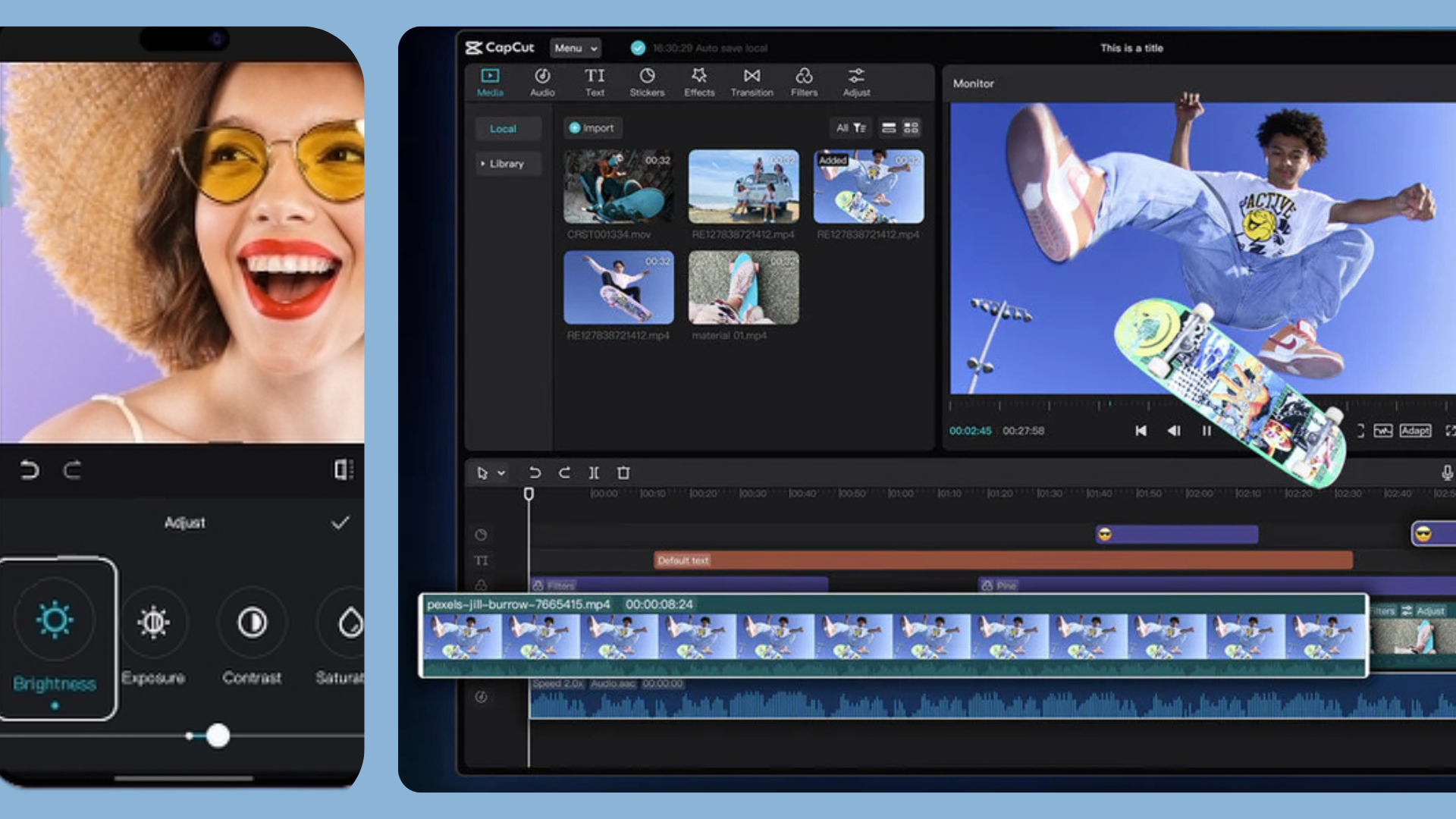 Your app should feel like your app. Choose a video editing SDK with custom UI support so your app can keep its identity. You should be able to:
- Build your own layout
- Control tool placement
- Customize buttons
- Add or remove editing tools
A flexible SDK ensures your app looks unique in the market. Because your brand should shine, not the SDK’s template.
5. Check How Easy It is to Integrate
Developers already carry enough pressure. The last thing you need is an SDK that feels like a puzzle.
Look for:
Clear documentation
Sample projects
Clean APIs
Quick setup
When integration feels smooth, your whole development cycle becomes lighter.
6. Understand Pricing and licensing clearly
When choosing a video editing SDK, pricing can be confusing. Every SDK looks cheap at first, but costs can increase later based on usage, exports, or unlocking advanced features. To avoid surprises, compare these:
Licensing type: annual, monthly, or usage based
Hidden limits: export caps, watermark removal charges, or premium features locked behind higher tiers
Platform cost: some charge separately for Android, IOS and Web
Upgrade path: check whether scaling up becomes expensive
A genuinely affordable video editing SDK gives you:
Clear upfront pricing
All essential features included
No extra fees for basic editing or HD exports
Flexibility to scale without doubling cost
This helps developers stay within budget while still delivering solid video features. Tools like iScripts EditPrime fall under the affordable category because they offer core editing features without forcing expensive upgrades.
7. Make sure the SDK comes with Reliable Support and Regular Updates
A video editing SDK isn’t something you integrate once and forget. It becomes part of your app’s long term structure. That’s why the quality of support and update frequency should be a major part of your decision
To make sure you’re choosing an SDK that’s truly maintained, look active development such as consistent updates that improve performance and introduce new features, along with clear and organized documentation. Responsive technical support, and a roadmap shows that the team is committed to ongoing investment. It also helps if there’s an active developer community or discussion space, which indicates real engagement and long term support.
Well supported SDKs don’t just add features, they add confidence.
8. Prioritize Output Quality-Its What Your Users See
You can integrate the smartest features and the fastest editor but if the final video looks bad, users won’t care about anything else.
That’s why output quality should be one of your biggest deciding factors when choosing a video editing SDK
Look for SDK that supports:
- High resolution exports(1080p,2K, and 4K exports)
- Good audio output
- Smooth compression
- Multiple file formats
- Consistent rendering quality across devices
9. Consider Extra Features Your Users Will Love
Basic editing tools are everywhere. What actually helps your app stand out are the smart, modern features that make video creation faster and more fun to users.
Consider SDK that includes:
- Auto captions for quick, clean subtitles
- AI powered filters or enhancements
- Auto cut or silence detection to speed up editing
- Template based editing for faster exports
- Audio cleanup tools for background noise
These features make your app stand out and attract more users.
10. Test the SDK with Prototype before making the final choice
Never choose an SDK based on the website alone, you only understand its real performance once you try it inside your own app. A quick test reveals things that documentation or marketing pages can’t.
Before deciding, build a quick prototype and check
- How easily it integrates into your existing setup
- Render speed and stability on real devices
- Preview performance with different video sizes
- How clean and intuitive the API feels during actual development
- Whether it fits your workflow without forcing major changes.
This small step saves you from big problems later.
Conclusion
When you pick an video editing SDK, you’re choosing a tool that makes your product easier to build and better to use. And sometimes, the right choice is simply the one that feels easier, the one that integrates smoothly, stays within your budget, and gives you everything you need without stressing your workflow.
Some SDKs like iScripts EditPrime are built exactly with that intention. That is exactly why developers prefer iScripts EditPrime.
At the end of the day, it’s about the SDK that makes building your product feel a little lighter, easier and a lot more possible.
